Products

.svg)


.svg)


Summer doesn't announce itself on a schedule—it shows up suddenly, and so does the urge to buy. A 95°F afternoon in Chicago or Phoenix creates genuine, immediate demand for beachwear, cooling apparel, and sandals. As a GearLaunch seller, that spike in consumer intent is yours to capture—but only if your campaigns are already set up and ready to go before the heatwave hits.
This guide skips the buzzword playbook and gives you a practical, realistic workflow for timing your GearLaunch promotions to real weather events.
The core advantage of weather-triggered marketing isn't sophistication—it's relevance. When a customer in Atlanta sees an ad for a custom swimsuit the same afternoon temperatures hit 97°F, the timing does half the selling for you. They're already hot, already thinking about the pool, and already in a buying mindset.
For GearLaunch sellers, this matters for one practical reason: print-on-demand has a production lead time. You cannot spin up new products the same day a heatwave hits. What you can do is have campaigns pre-built and sitting in draft, ready to activate the moment conditions align.
Not every GearLaunch product benefits equally from a weather trigger. Focus your heatwave campaigns on items customers reach for instinctively when it gets hot:
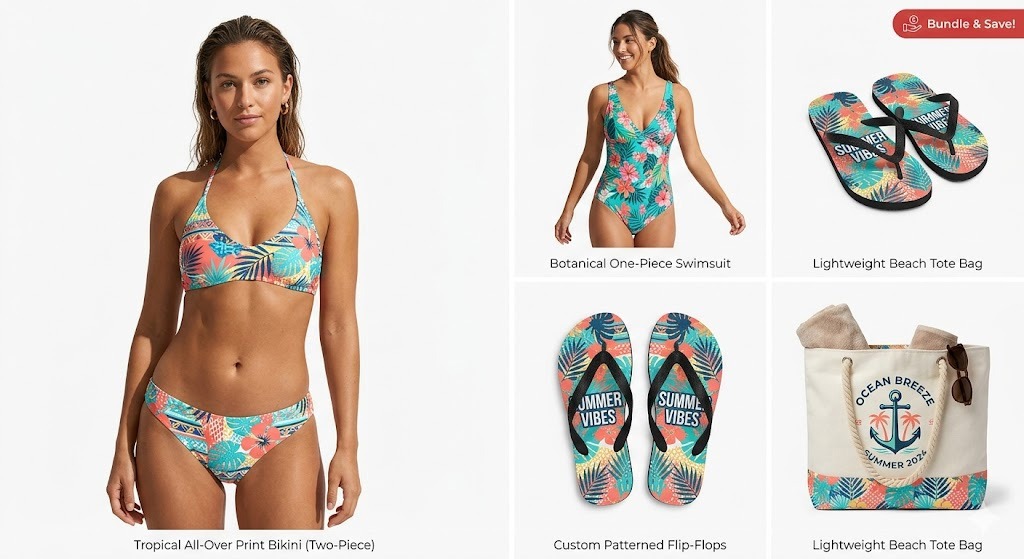
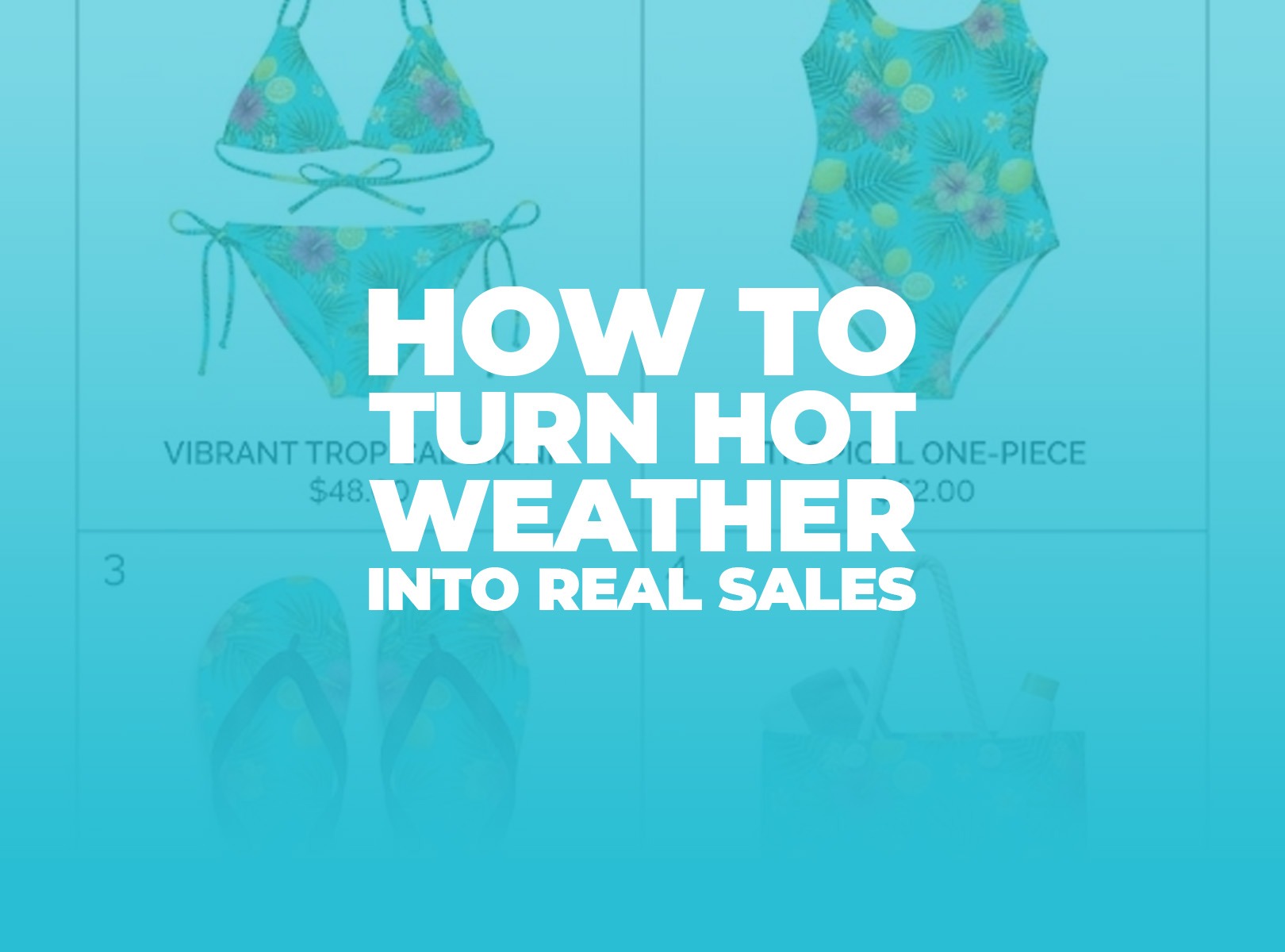
Women's swimsuits are the highest-intent purchase during a heat event. An all-over print design with bold color or a tropical pattern stands out sharply against the sea of plain options on Amazon.
Women's two-piece bikinis offer strong upsell potential. If a customer lands on your swimwear campaign, a matching bikini set or cover-up increases average order value without extra ad spend.
Flip-flops and sandals are a reliable volume driver. The price point is lower, which means impulse buy rates are higher. Pair them with a swimwear campaign as an upsell and watch your basket size climb.
Women's tops and lightweight dresses round out a summer collection for customers who want cooling apparel but aren't beach-bound.
If you're still building your product lineup, the GearLaunch All-Over Print Catalog is the fastest way to browse everything available by category.
The biggest mistake sellers make with seasonal marketing is trying to react in real time. By the time you notice a heat spike on the news, build an ad, and get it approved, the moment has already passed. Here's the correct approach.
Build your campaigns before summer, not during it. Create your swimwear and sandal campaigns in May or early June—complete with design, product selection, pricing, and a promotional code. Set them to "draft" or "paused" inside your GearLaunch dashboard so everything is ready and waiting.
Define your trigger threshold in advance. Decide now: at what temperature does your campaign go live? A useful rule of thumb is to set it at least 5–8°F above the seasonal average for your target region. A 90°F day in Miami barely registers; that same temperature in Seattle or Chicago is a genuine weather event that disrupts normal behavior. Targeting the anomaly—not just the heat—is what gives you the relevance boost.
Use free weather tools to monitor your target regions. You don't need enterprise software. Weather.gov, Weather Underground, and Google's weather API offer free data. Set a simple weather alert for your top-performing zip codes or metro areas. When the threshold is hit, you go activate the campaign manually. This is not glamorous, but it works—and it's exactly what successful sellers are actually doing.
Keep your ad creative geo-specific. Facebook and Google Ads both allow zip-code-level targeting. When a heatwave is detected in Phoenix but not Dallas, run your campaign only in Phoenix. You save budget by not wasting impressions in regions where the weather is mild, and the relevance of your ad increases sharply for the audience that sees it.
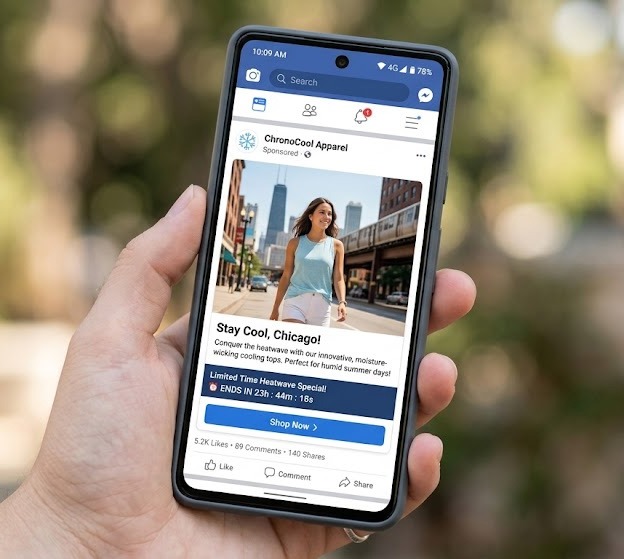
Tie your promo code to the moment. A discount code named HEATWAVE90 or STAYCOOL20 does two things: it signals urgency, and it makes the deal feel curated. Set it up in your GearLaunch promotions tab ahead of time so activation is a one-click task.
For guidance on monitoring which campaigns are actually converting, the GearLaunch team breaks down how to read your dashboard metrics in detail over at the campaign stats guide—worth bookmarking before your summer push.
There's a lot of hype around AI automation in e-commerce right now. Let's be practical about what actually helps a GearLaunch seller today.
What AI tools can realistically do for you: ChatGPT, Claude, or similar tools are genuinely useful for writing ad copy variations fast. Give the tool your product description, your target region, and the temperature trigger, and ask it to write five versions of ad headline and body copy. You pick the best two, test them against each other, and iterate. This cuts copy creation time from hours to minutes.
AI image tools like Midjourney or Adobe Firefly can help you generate lifestyle mockup concepts or pattern ideas for your all-over print designs. You still need to bring those into GearLaunch's design templates properly—check the design template guide for exact layer and boundary rules before uploading anything.
What AI cannot do for you (yet, at a practical seller level): Fully autonomous campaign deployment—where an AI detects a weather event and launches your ads without you touching anything—requires API integrations between weather data providers, Facebook/Google Ads, and your GearLaunch store. This is technically possible but involves real engineering work and ongoing maintenance. Most individual sellers are better served by the manual-activation workflow described above. Simple and reliable beats complex and fragile.
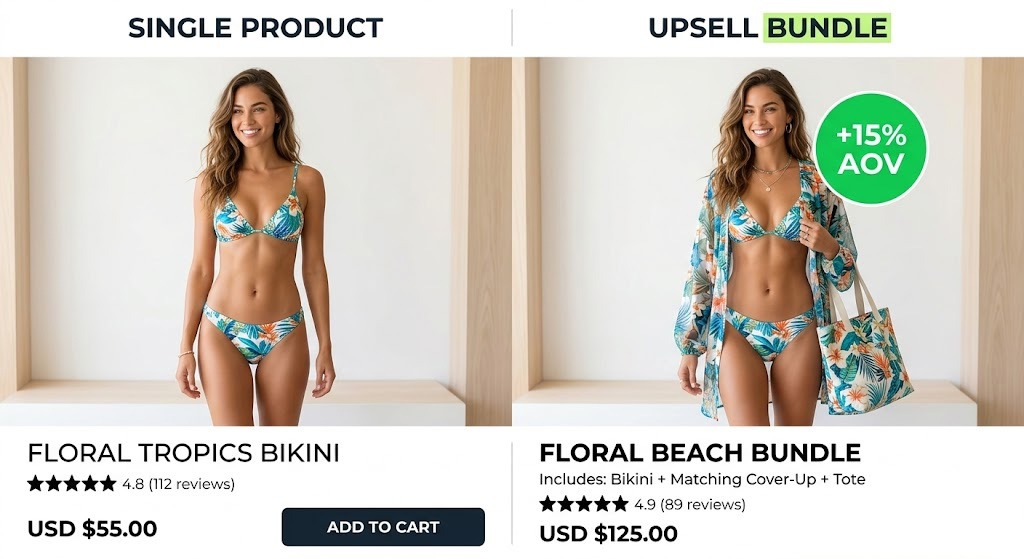
When a customer lands on your swimsuit or sandal campaign, your GearLaunch upsell configuration is your second salesperson. Before your campaign goes live, set up a complementary item as the upsell—a matching cover-up if your hero product is a bikini, or a beach tote if your hero is a sandal.
Your GearLaunch dashboard's "Show Upsells" view in Campaign Stats will tell you quickly which upsell pairings convert and which don't. Kill the ones with zero sales within two weeks and swap in a different pairing. Don't guess—let the numbers tell you.
When your campaign is live, track these three numbers daily:
Conversion rate tells you whether your ad creative and product match the moment. A visit-to-sale ratio below 1% usually means a disconnect between the ad and the landing page—your imagery or copy isn't landing.
Cost per purchase tells you whether the campaign is profitable. Know your GearLaunch product cost, your target margin, and your maximum acceptable CPA before you launch.
Upsell attachment rate tells you whether your bundle is compelling. If it's under 10%, test a different product pairing or rewrite the upsell description.
Ready to build your summer lineup? Start by browsing the GearLaunch All-Over Print Catalog or go straight to Create a Product and get your first heatwave campaign into draft today.
Do I need a big budget to run weather-triggered campaigns on GearLaunch? No—geo-targeted ads are actually more budget-efficient than broad campaigns. By running ads only in zip codes currently experiencing high temperatures, you cut waste significantly. Many sellers start with $10–$20 per day in a single metro area, test what converts, and scale from there. The key is to have your campaign fully built in advance so you're not spending money on setup time when the window is short.
What's the difference between building a seasonal campaign and a weather-triggered one? A seasonal campaign runs on a calendar—your swimwear goes live June 1st regardless of conditions. A weather-triggered campaign activates based on real-time temperature data in a specific region. The latter works because it aligns with actual consumer behavior: people are far more likely to buy cooling apparel when it's currently hot where they live, not just because the calendar says summer started.
How do I know which GearLaunch products to feature in a heatwave promotion? Look at your past campaign stats first. If you've run summer apparel before, check which products had the highest conversion rates during warm months. If you're starting fresh, swimsuits, sandals, and lightweight women's tops are proven entry points. Use your GearLaunch upsell data to identify which product pairings drive the highest average order value, and build your campaign bundle around those combinations.


.svg)
.svg)
.svg)